Introducing the eForms Roadmap!

Help that Fits the Way You Work

Enhanced Help System

eForms Digital Assitant

demo
Using the AvanTax eForms Roadmap, you can build your own custom checklist to guide you (or your team) through each step of the tax slip preparation and XML submission process. With the Roadmap builder, you will be able to setup whether to:

  • create or open an eForms data file
  • enter or import company and slip information
  • distribute recipient slips by mail, email or over a corporate portal
  • make electronic or paper submissions to CRA and Revenu Québec
  • ... and more ...
Your finished Roadmap will cover every required processing step, and also includes a 'Job completed' checkbox for each step, so there will never be any question about the work that has been completed and the work that remains to be done. With the Roadmap, you'll never wonder where you stand.
demo
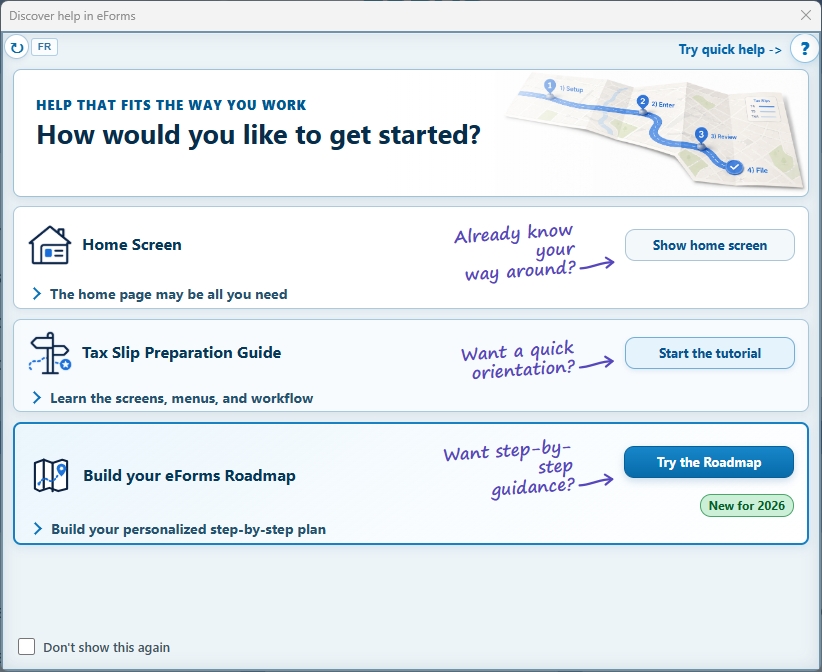
Experienced users, or those already familiar with eForms, may choose to go directly to the eForms 'Home Screen' and get started on processing their tax slips right away. Choosing this option will take you directly to the eForms Home Page, where all major features are just a mouse-click away.

If you're not quite as familiar with eForms (after all, you do only do this once a year), you may decide to use the 'Tax Slip Preparation Guide'. Choosing this option will open a dialog which will guide you through eavh of the major steps required to create and distribute recipient tax slips, and to successfully complete your XML submission to CRA or Revenu Québec.

And if you want a step-by-step guide, you may elect to use the 'Build your eForms Roadmap'. Choosing this option will guide you through the process of creating an interactive guide that will take you (or your staff) through each step of the process. The guide even includes the ability to mark each step complete as you go, and could be especially helpful if:
  • You want to make sure that you don't miss a single step
  • You're a department manager and you want to ensure that each team member is following the same procedure
demo
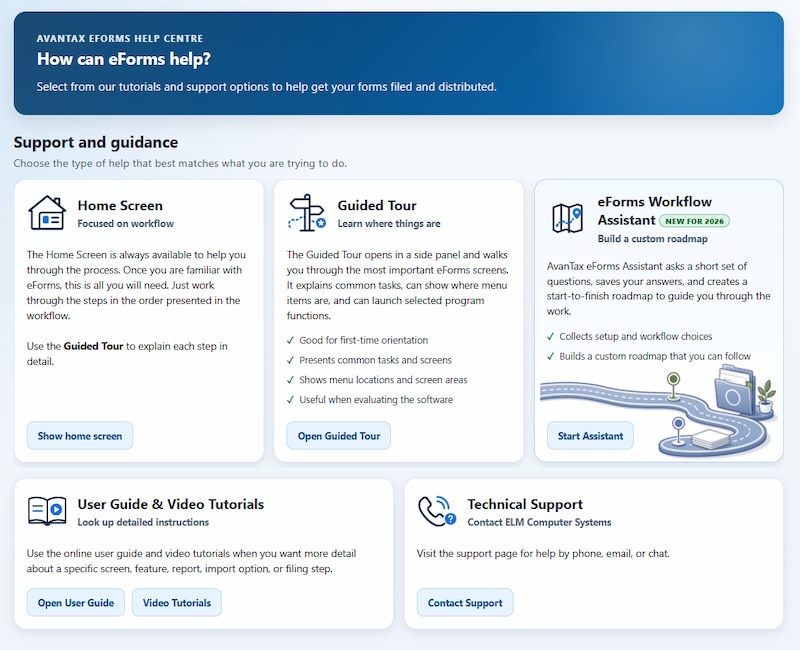
From its comprehensive user guide, to an extensive collection of QuickHelp Guides and Videos, AvanTax eForms makes the help you need easily available right when you need it.

And now, with its brand new Enhanced Help and Guidance systems, it will be easier than ever to find the answers to your questions. And to connect with our friendly and knowledgable technical support team on those rare occasions when you might need something more.
demo
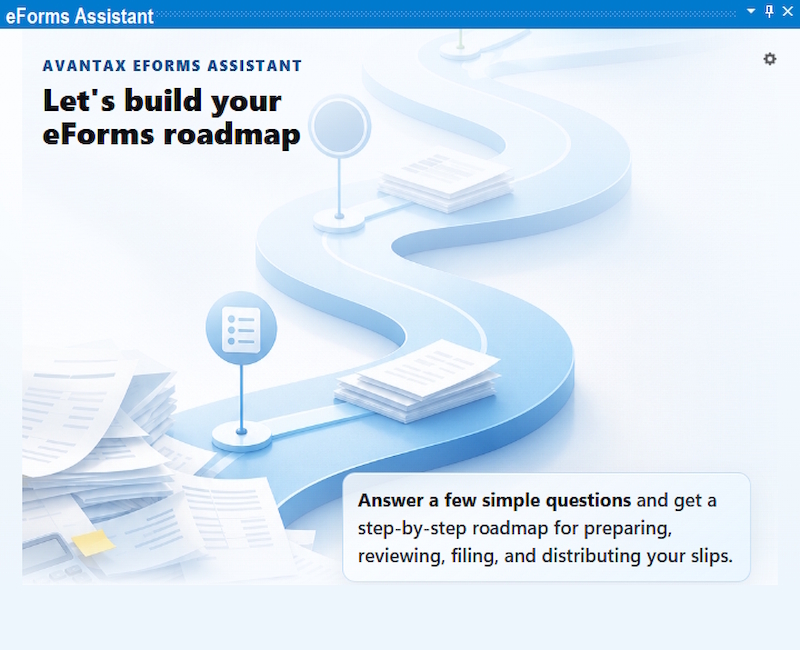
The AvanTax eForms Assistant guides users through the steps of setting up eForms to process your CRA and Revenu Québec tax data the way YOU want it done. You'll be up and going in no time after answering a series of simple questions, like the one below:
And when you're finished, eForms will automatically be configured just the way you want it to be.